
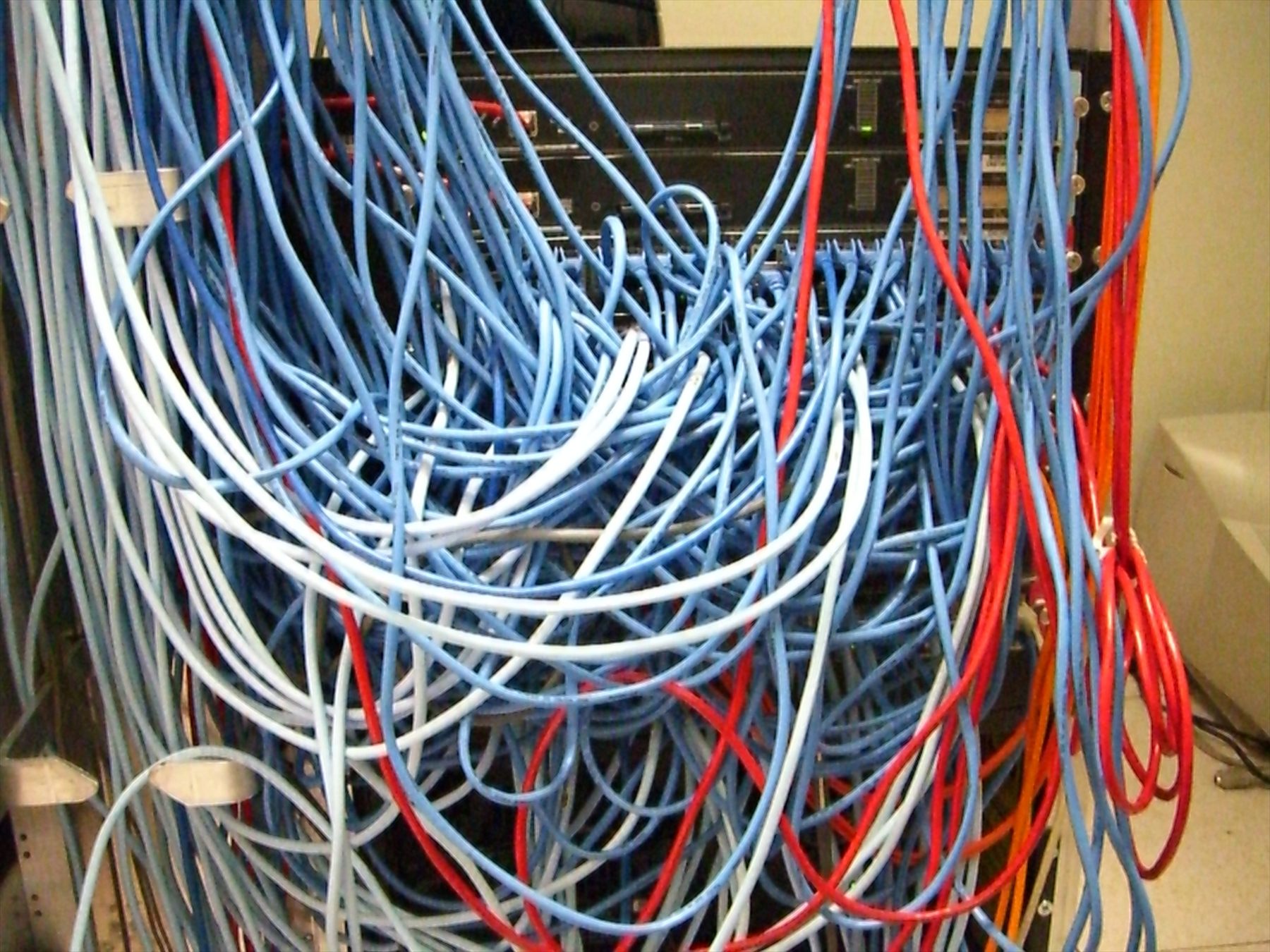
Header photo: “Server Rack with Spaghetti-Like Mass of Network Cables” by Kim Scarborough, licensed under CC BY-SA 2.0. Resized from the original.

Background
I used to work as a T1/2 support agent for a bunch of ISPs around the world. This call center received calls from all over the US, Canada, Hawaii, and even Australia. The biggest issues we helped people troubleshoot were connectivity problems (intermittent, no service), and slow speeds. I got used to the classic “turn it off and back on again” approach since most of these companies provided us with very basic decision trees for troubleshooting. Occasionally we’d get a company that would have us go through, configure network settings manually, run diagnostic tools, gave us consoles to log into to check statuses, etc. For some of those companies, however, changing DNS settings was not a step they wanted us taking. It was sometimes allowed as a diagnostic step, but we were always supposed to revert to DHCP settings, where the ISP’s DNS server should be set.
I was very surprised to learn at the time, how many ISPs provided their own DNS servers, and how bad they were. Corporations like Cloudflare, Google, and OpenDNS have great servers and were all around at that time, but most people still used their ISP provided DNS servers because it was the default setting. These servers were not the fastest, nor the most reliable since they were built for 2 purposes: Convenience, and tracking. The ISP controlled the server, so they could have control over service outages more thoroughly. If the internet went out, it was just between them and the customer. Additionally, they now have all this browsing data so they can sell targeted ad leads, audit traffic for legal compliance, balance load across their network, and at one point, try to provide additional services setting them apart (I’m talking about you qwest search!). These servers weren’t built to be the fastest, or most reliable and it showed. Especially with how often I could fix a customer’s internet issues by manually configuring DNS on their computer.
Nowadays I spend more time managing my own DNS servers and configuring my services. I figured that if I was hosting something locally with a wired connection, there couldn’t be anything more reliable than that. I was constantly frustrated by Ubuntu’s reliance on systemd-resolved for DNS resolution since it was always another step of things to disable when setting up a DNS server on a VM, and made network configuration just a bit more confusing and complex. Why do we need to have a local loopback resolver on every machine when we have reliable DNS servers serving millions of people per second?
The latest issue
I recently encountered an issue using Pangolin’s health checks where services I was hosting would suddenly stop working for a few minutes, only to start working again without any changes. While in my home, those same services worked fine, it was just while I was outside of my home network that the issues would appear. As I dug deeper, the timing of the health checks configured in Pangolin seemed to match the timing of these bad gateway errors with surprising accuracy. So I started looking at the container in my home network running those health checks and found repeated health check failures, but the logs were less than helpful on providing further details. So I wrote a quick loop to try to figure it out:
1
2
3
4
while true; do
  curl -sS http://mysite.com
  sleep 1
done
Sure enough, the curl connect would fail with a DNS error occasionally, but everything else worked fine. This was on an LXC container running Debian, so I wasn’t in my typical Ubuntu VM comfort zone and didn’t have systemd-resolved annoying me with its caching. But since I was familiar with this, it didn’t take long to set it up. For those who haven’t done this before, you need to first make sure it’s installed: apt update && apt install systemd-resolved. Next you need to configure the service. with something like the following:
1
2
3
4
5
6
7
# /etc/systemd/resolved.conf
[Resolve]
DNS=192.168.1.53
Domains=~.
Cache=yes
StaleRetentionSec=1d
FallbackDNS=
Then you will need to make sure to enable the service: systemctl enable --now systemd-resolved. The final step depends on how you’re running your service. Since I’m using Proxmox and LXC containers, which will overwrite /etc/resolv.conf, I need to update the container’s settings for nameservers to be 127.0.0.53. Something like pct set <CTID> --nameserver 127.0.0.53 would work, or doing the same thing in the UX.
With those updates in place, I can turn back on my health checks and watch the valueless nines flow in.
Other Considerations
DNS and UDP
For those unfamiliar, there are two basic transit protocols for modern web traffic. TCP, a connection/stream based protocol where messages are sequenced, acknowledged, and reliably delivered, and UDP, a datagram based protocol where you drop the idea of sequencing and ackownledgement in favor of speed. In theory, this looks like TCP sends messages 1, 3, and 2, and the receiver will make sure it orders them properly. If it didn’t see 2, as an example, it wouldn’t acknowledge 2, and the sender would transmit it again. For UDP, if 2 wasn’t received, it must not have been important, if it even existed 😋. While HTTP was primarily built on TCP, DNS uses UDP. While this makes it seem like we’re making our core internet backbone unreliable, it actually allows DNS to be faster and more efficient.
When I first was diagnosing this issue, I wondered if this was the case. I haven’t found a way to fully confirm this, however, given that the same server works fine for other LXC clients on this same network with the same config, I’m not fully convinced yet. Its definitely a possibility that I am ill-equipped to diagnose, but if it turns out to be the issue, the solution doesn’t change.
IP overlap
Any network administrator has hit this issue. I statically assign an IP to a machine, but it turns out it was in a DHCP range, or someone else used it. This leads to an IP overlap conflict where sometimes traffic works, sometimes it doesn’t. The solution is to move to a different IP address that isn’t in use. I considered this as a possible issue, but I couldn’t find anything else on that network using that IP address. Furthermore, DNS seems to be the only service affected, not HTTP traffic, which we wouldn’t expect to see here. Additionally, switching to a stub resolver wouldn’t help since it would just kick that can down the road.
Conclusion
It’s important to have experience in your life. Try new things, do things that make you uncomfortable and force you to learn. The fast food job you get in highschool will teach you things that can benefit your career. Smashing something with a hammer lets you crack the veil to see inside and demystify the inner workings of a world you never knew existed. Be curious even when it seems useless because the more you learn, the better you can relate to the world around you and solve the random problems that irritate you like a mosquito bite.